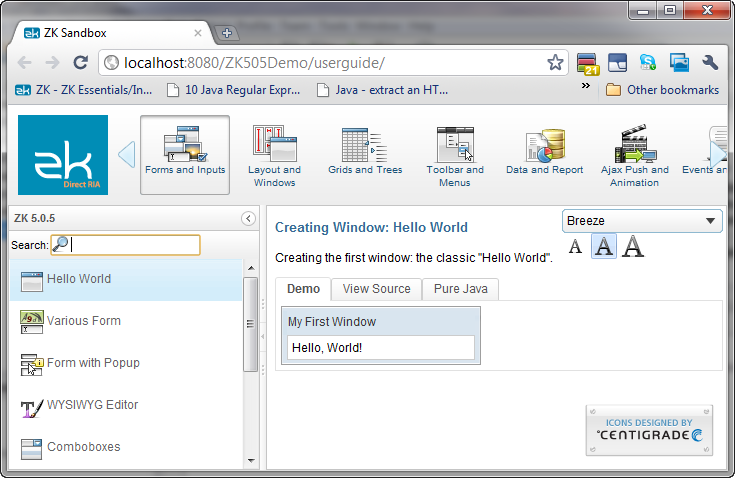
First ZK App with NetBeans and REM
Maven Recommended
The recommended way to use ZK in NetBeans is to import a maven project. Reference this document for sample pom file.
Install NetBeans REM
REM is a NetBeans module for ZK application development contributed by Mr. Sotohiro Terashima.
Install NetBeans
Download the latest NetBeans IDE and install
Install REM plugin
-
Start NetBeans
-
On NetBeans’ main menu bar, select Tools > Plugins.
-
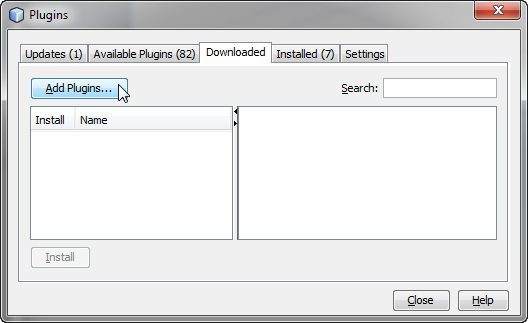
Click on the “Downloaded” tab, followed by “Add Plugins” to open the file explore
-
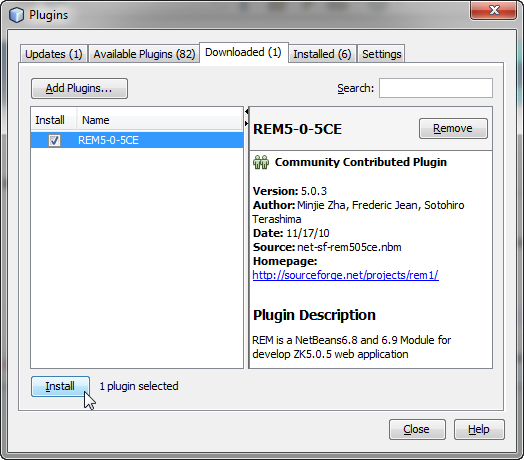
Navigate to where REM is downloaded and select the REM plugin
-
Click “Install” and follow the NetBeans plugin manager prompts
Create a New ZK Project
-
On NetBeans main menu bar, select “New Project”
-
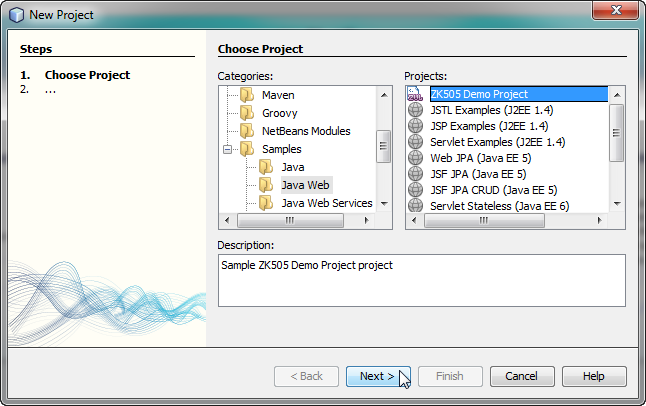
On the New Project wizard under “Categories”, select “Java Web”
-
Confirm and create a new ZK project.
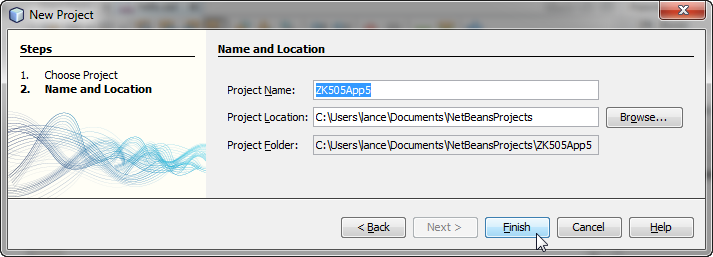
-
Select the ZK project folder, and right click “Run” to deploy the project on Glassfish
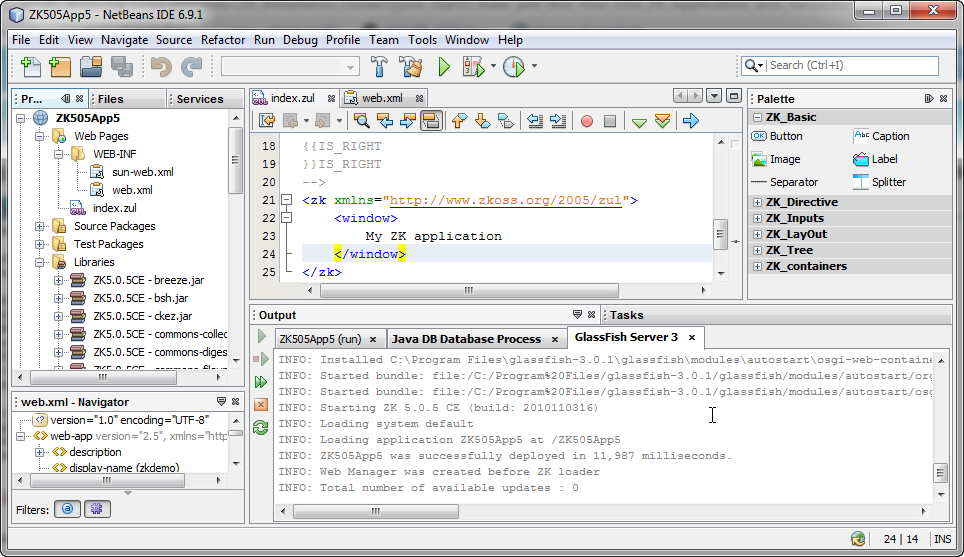
Deploy the ZK Demo Project
-
On NetBeans main menu bar, select “New Project”
-
On the New Project wizard under “Categories”, expand the “Samples” folder and select “Java Web”
-
Select “ZK505 Demo Project” under “Projects”
-
Select the ZK demo project and right click to select “Run” to deploy the ZK demo